<?xml version="1.0" encoding="UTF-8"?>
<rss version="2.0"
	xmlns:content="http://purl.org/rss/1.0/modules/content/"
	xmlns:wfw="http://wellformedweb.org/CommentAPI/"
	xmlns:dc="http://purl.org/dc/elements/1.1/"
	xmlns:atom="http://www.w3.org/2005/Atom"
	xmlns:sy="http://purl.org/rss/1.0/modules/syndication/"
	xmlns:slash="http://purl.org/rss/1.0/modules/slash/"
	>

<channel>
	<title>exploration &#187; play</title>
	<atom:link href="http://robertcarlsen.net/tag/play/feed" rel="self" type="application/rss+xml" />
	<link>http://robertcarlsen.net</link>
	<description>accounts of success and misadventure</description>
	<lastBuildDate>Tue, 13 Jul 2010 14:37:06 +0000</lastBuildDate>
	<generator>http://wordpress.org/?v=2.8.4</generator>
	<language>en</language>
	<sy:updatePeriod>hourly</sy:updatePeriod>
	<sy:updateFrequency>1</sy:updateFrequency>
			<item>
		<title>Lab: Breadboards redeux</title>
		<link>http://robertcarlsen.net/2008/09/12/lab-breadboards-redeux-85</link>
		<comments>http://robertcarlsen.net/2008/09/12/lab-breadboards-redeux-85#comments</comments>
		<pubDate>Sat, 13 Sep 2008 04:51:21 +0000</pubDate>
		<dc:creator>Robert Carlsen</dc:creator>
				<category><![CDATA[Intro to Physical Computing]]></category>
		<category><![CDATA[itp]]></category>
		<category><![CDATA[lab]]></category>
		<category><![CDATA[pcom]]></category>
		<category><![CDATA[play]]></category>

		<guid isPermaLink="false">http://robertcarlsen.net/blog/?p=85</guid>
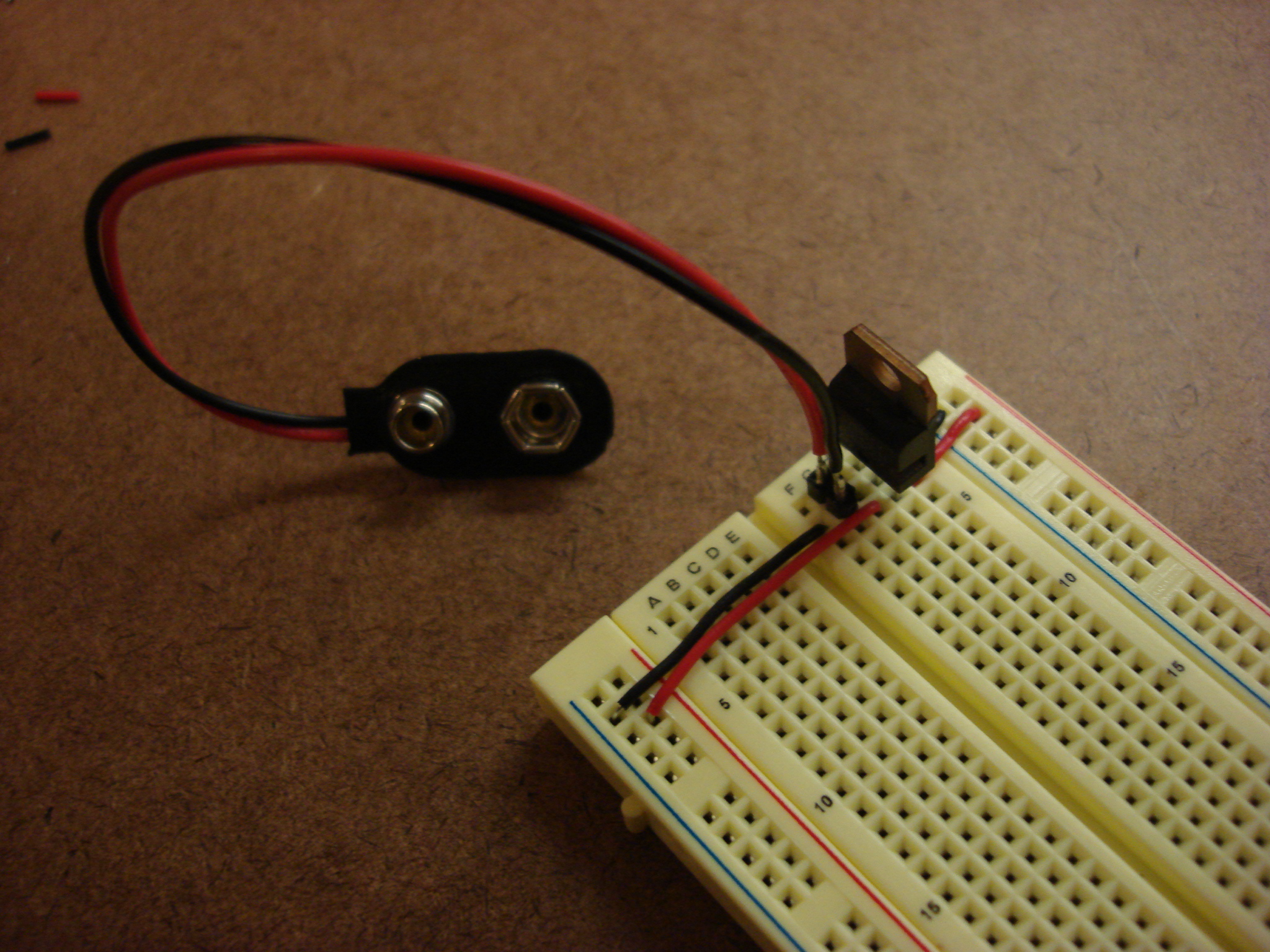
		<description><![CDATA[Finally got some breadboards and set them up with power regulators and all.

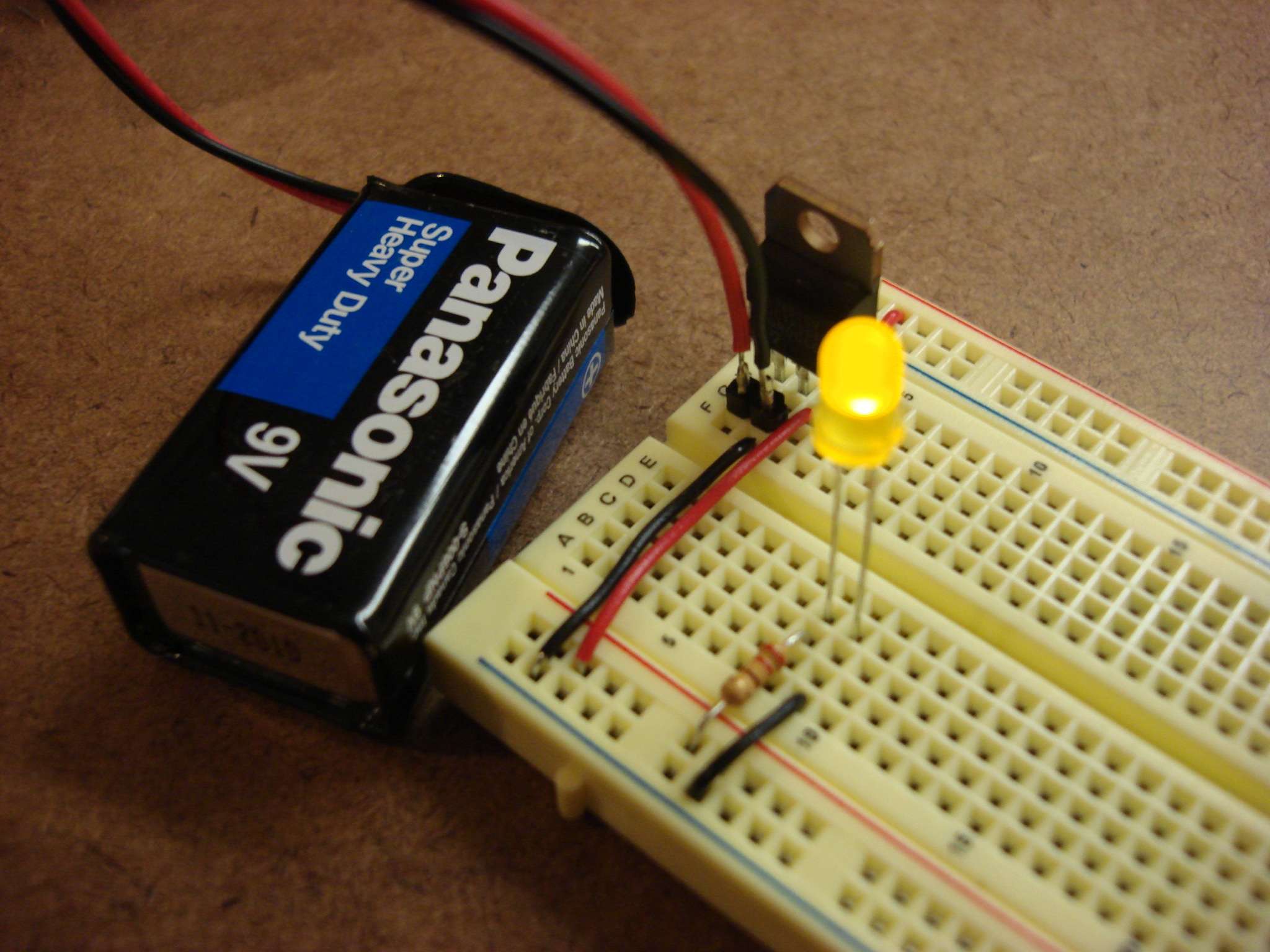
Then got to make some simple circuits. Yay electricity!
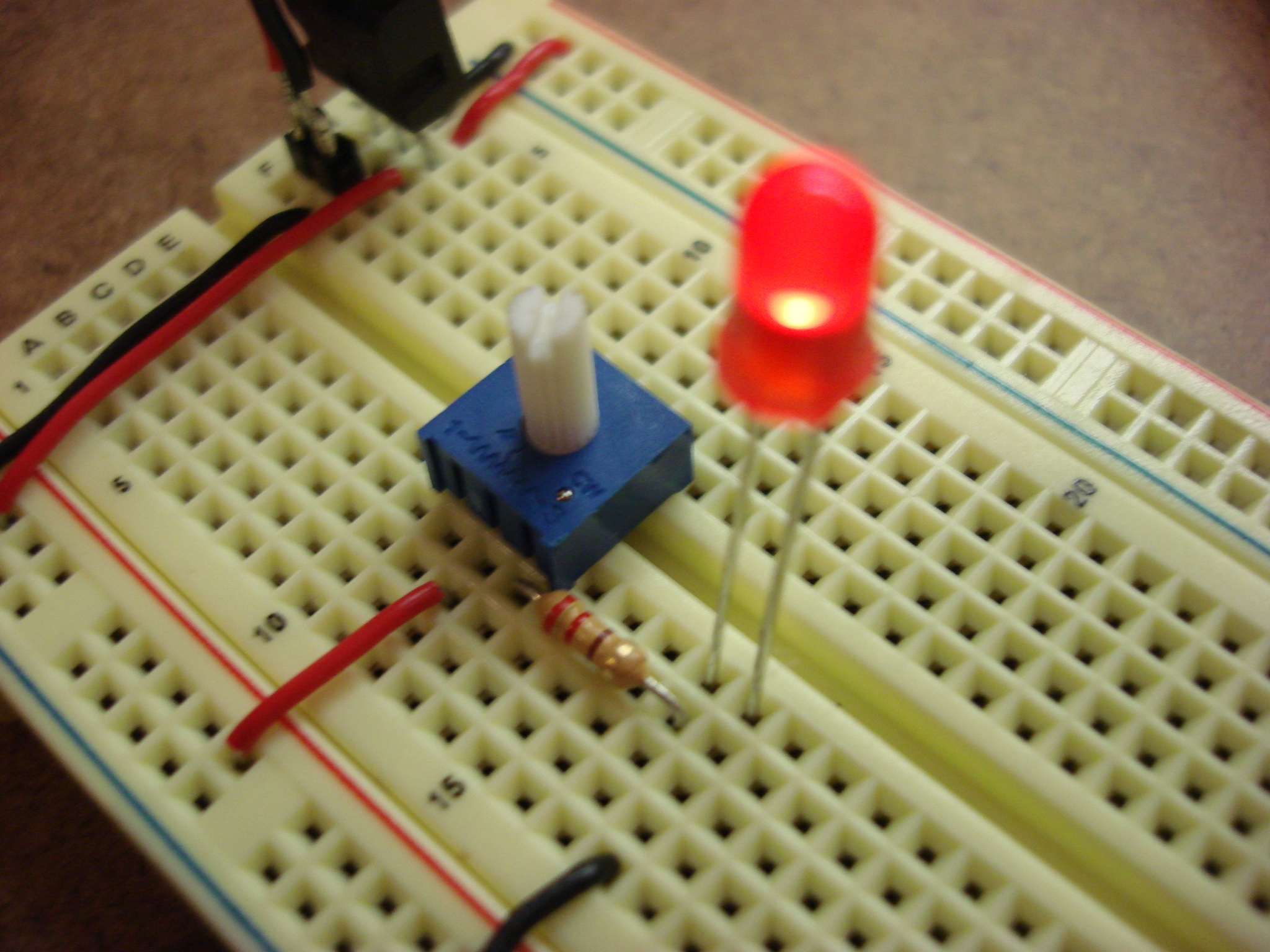
And with a potentiometer:
Moving on to the digital circuit with the Arduino. Same effect as the analog circuit but using the microcontroller. The LED is illuminated at varying levels of brightness using Pulse Width Modulation [...]]]></description>
			<content:encoded><![CDATA[<p>Finally got some breadboards and set them up with power regulators and all.</p>
<p><a href="http://robertcarlsen.net/blog/wp-content/uploads/2008/09/dsc02320.jpg" rel="lightbox[85]"><img class="alignnone size-medium wp-image-86" title="Breadboard with regulator" src="http://robertcarlsen.net/blog/wp-content/uploads/2008/09/dsc02320-300x225.jpg" alt="" width="300" height="225" /></a></p>
<p>Then got to make some simple circuits. Yay electricity!<span id="more-85"></span></p>
<p><a href="http://robertcarlsen.net/blog/wp-content/uploads/2008/09/analog_led_circuit.jpg" rel="lightbox[85]"><img class="alignnone size-medium wp-image-87" title="analog_led_circuit" src="http://robertcarlsen.net/blog/wp-content/uploads/2008/09/analog_led_circuit-300x225.jpg" alt="" width="300" height="225" /></a></p>
<p>And with a potentiometer:</p>
<p><a href="http://robertcarlsen.net/blog/wp-content/uploads/2008/09/pot_led.jpg" rel="lightbox[85]"><img class="alignnone size-medium wp-image-88" title="pot_led" src="http://robertcarlsen.net/blog/wp-content/uploads/2008/09/pot_led-300x225.jpg" alt="" width="300" height="225" /></a></p>
<p>Moving on to the digital circuit with the Arduino. Same effect as the analog circuit but using the microcontroller. The LED is illuminated at varying levels of brightness using Pulse Width Modulation (PWM)&#8230;in brief PWM means that the LED is turned on and off very quickly &#8211; more quickly that we can see. The concept is based on a duty cycle &#8211; the percentage of time that the pulse is active at full voltage compared to the period. A duty cycle of 50% (on at +5v then off at 0v) would provide a net voltage of 2.5v and half brightness of the LED. Map the input from one of the analog inputs on the Arduino to a PWD output and you get analog output.</p>
<p><a href="http://robertcarlsen.net/blog/wp-content/uploads/2008/09/pot_arduino_led.jpg" rel="lightbox[85]"><img class="alignnone size-medium wp-image-89" title="pot_arduino_led" src="http://robertcarlsen.net/blog/wp-content/uploads/2008/09/pot_arduino_led-300x225.jpg" alt="" width="300" height="225" /></a></p>
<p>More fun&#8230;playing with Galvanic Skin Response&#8230;same circuit&#8230;same code [i just noticed that the videos don't have audio, which only really matters for the bottom video with the speaker]:</p>
<p><img src="http://robertcarlsen.net/blog/wp-content/plugins/flash-video-player/default_video_player.gif" /></p>
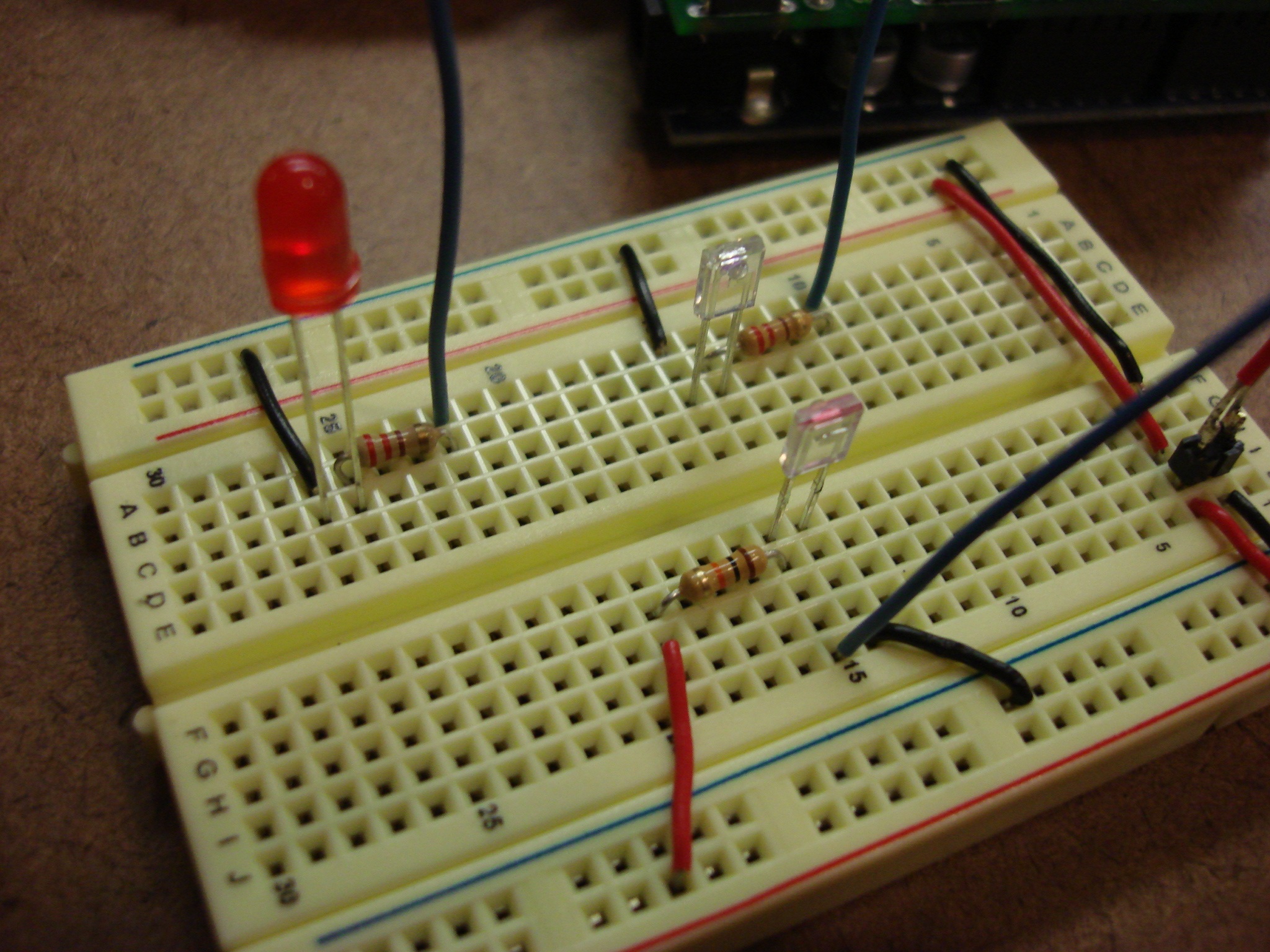
<p>Which made me start thinking about other sensors. Here&#8217;s an example using an infrared emitter / collector.</p>
<p><a href="http://robertcarlsen.net/blog/wp-content/uploads/2008/09/ir_detect.jpg" rel="lightbox[85]"><img class="alignnone size-medium wp-image-91" title="ir_detect" src="http://robertcarlsen.net/blog/wp-content/uploads/2008/09/ir_detect-300x225.jpg" alt="" width="300" height="225" /></a></p>
<p>Just about the same code&#8230;different sensor:</p>
<p><code><img src="http://robertcarlsen.net/blog/wp-content/plugins/flash-video-player/default_video_player.gif" /></code></p>
<p>Which got me thinking about using infrared for heart rate detection. Unfortunately, without an op amp the signal/noise is making it really difficult to get stable readings. However, with just the right pressure on the LEDs I was able to get accurate readings:</p>
<p><img src="http://robertcarlsen.net/blog/wp-content/plugins/flash-video-player/default_video_player.gif" /></p>
<p>Then, just for kicks I started messing with a piezo speaker&#8230;fun, but I need to work on the output for better frequency range.</p>
<p><img src="http://robertcarlsen.net/blog/wp-content/plugins/flash-video-player/default_video_player.gif" /></p>
]]></content:encoded>
			<wfw:commentRss>http://robertcarlsen.net/2008/09/12/lab-breadboards-redeux-85/feed</wfw:commentRss>
		<slash:comments>0</slash:comments>
		</item>
		<item>
		<title>finally here&#8230;</title>
		<link>http://robertcarlsen.net/2008/08/26/finally-here-69</link>
		<comments>http://robertcarlsen.net/2008/08/26/finally-here-69#comments</comments>
		<pubDate>Tue, 26 Aug 2008 21:27:07 +0000</pubDate>
		<dc:creator>Robert Carlsen</dc:creator>
				<category><![CDATA[Uncategorized]]></category>
		<category><![CDATA[itp]]></category>
		<category><![CDATA[play]]></category>
		<category><![CDATA[processing]]></category>

		<guid isPermaLink="false">http://robertcarlsen.net/blog/?p=69</guid>
		<description><![CDATA[today was orientation for ITP&#8230;all of us first year students got together to be welcomed by Red Burns and to introduce ourselves to everyone. there are so many really smart, really interesting people in this class, from all backgrounds and from all over the world. it&#8217;s quite inspiring to be a part of this community.
after [...]]]></description>
			<content:encoded><![CDATA[<p>today was orientation for ITP&#8230;all of us first year students got together to be welcomed by Red Burns and to introduce ourselves to everyone. there are so many really smart, really interesting people in this class, from all backgrounds and from all over the world. it&#8217;s quite inspiring to be a part of this community.</p>
<p>after the orientation pockets of folks hung around and got to know each other. we had some brainstorming, including creating a tattoo-based delivery system for generative drawings&#8230;it&#8217;s about the volunteer trusting the software with creating a permanent mark on them&#8230;intense&#8230;maybe we&#8217;ll prototype with a sharpie marker <img src='http://robertcarlsen.net/blog/wp-includes/images/smilies/icon_smile.gif' alt=':)' class='wp-smiley' />  fun</p>
]]></content:encoded>
			<wfw:commentRss>http://robertcarlsen.net/2008/08/26/finally-here-69/feed</wfw:commentRss>
		<slash:comments>0</slash:comments>
		</item>
		<item>
		<title>I Like Math&#8230;</title>
		<link>http://robertcarlsen.net/2008/02/25/i-like-math-29</link>
		<comments>http://robertcarlsen.net/2008/02/25/i-like-math-29#comments</comments>
		<pubDate>Tue, 26 Feb 2008 01:25:18 +0000</pubDate>
		<dc:creator>Robert Carlsen</dc:creator>
				<category><![CDATA[Uncategorized]]></category>
		<category><![CDATA[play]]></category>
		<category><![CDATA[processing]]></category>
		<category><![CDATA[software]]></category>

		<guid isPermaLink="false">http://robertcarlsen.net/blog/?p=29</guid>
		<description><![CDATA[&#8230;which doesn&#8217;t mean that I understand it. However, it does seem to have the uncanny ability to predict how some things will behave and certainly can make come cool looking stuff.
Expanding on the spirographs from the other day, here&#8217;s a modified version which will iterate through a range of .1-10.0 for r and R.
Spirograph Generator [...]]]></description>
			<content:encoded><![CDATA[<p>&#8230;which doesn&#8217;t mean that I understand it. However, it does seem to have the uncanny ability to predict how some things will behave and certainly can make come cool looking stuff.</p>
<p>Expanding on the spirographs from the other day, here&#8217;s a modified version which will iterate through a range of .1-10.0 for r and R.</p>
<p><a href="/experiments/spirograph_gen/">Spirograph Generator </a></p>
<p><a href="/experiments/spirograph_gen/"></a><a title="Spirals" rel="attachment wp-att-30" href="http://robertcarlsen.net/blog/?attachment_id=30"><img src="http://robertcarlsen.net/blog/wp-content/uploads/2008/02/spirals.thumbnail.jpg" alt="Spirals" /></a></p>
]]></content:encoded>
			<wfw:commentRss>http://robertcarlsen.net/2008/02/25/i-like-math-29/feed</wfw:commentRss>
		<slash:comments>1</slash:comments>
		</item>
		<item>
		<title>Oh! The Places You&#8217;ll Go&#8230;</title>
		<link>http://robertcarlsen.net/2008/02/25/oh-the-places-youll-go-20</link>
		<comments>http://robertcarlsen.net/2008/02/25/oh-the-places-youll-go-20#comments</comments>
		<pubDate>Mon, 25 Feb 2008 06:35:18 +0000</pubDate>
		<dc:creator>Robert Carlsen</dc:creator>
				<category><![CDATA[Uncategorized]]></category>
		<category><![CDATA[play]]></category>
		<category><![CDATA[processing]]></category>
		<category><![CDATA[software]]></category>

		<guid isPermaLink="false">http://robertcarlsen.net/blog/?p=20</guid>
		<description><![CDATA[I was messing around with generative drawing for the Processing class I&#8217;m teaching&#8230;and started playing with spirographs (my bigger brain, ie. Google and Wikipedia, reveals that they are called hypotrochoids).
The algorithms are quite simple:
x = (R - r) * cos(theta) + d * cos((((R-r)/r)*theta));
y = (R - r) * sin(theta) - d * sin((((R-r)/r)*theta));
The results [...]]]></description>
			<content:encoded><![CDATA[<p>I was messing around with generative drawing for the Processing class I&#8217;m teaching&#8230;and started playing with spirographs (my bigger brain, ie. Google and Wikipedia, reveals that they are called <a href="http://en.wikipedia.org/wiki/Hypotrochoid" onclick="pageTracker._trackPageview('/outgoing/en.wikipedia.org/wiki/Hypotrochoid?referer=');">hypotrochoids</a>).</p>
<p>The algorithms are quite simple:</p>
<pre>x = (R - r) * cos(theta) + d * cos((((R-r)/r)*theta));
y = (R - r) * sin(theta) - d * sin((((R-r)/r)*theta));</pre>
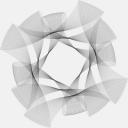
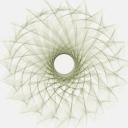
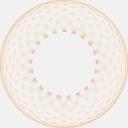
<p>The results are neat, and mapping the basic variables to keys or the mouse provide a nice way to alter the drawing through iteration. Coupled with the PDF library and some extra code the graphs can be printed out at large sizes. Here are a couple.</p>
<p><a title="Neat" rel="attachment wp-att-26" href="http://robertcarlsen.net/blog/?attachment_id=26"><img src="http://robertcarlsen.net/blog/wp-content/uploads/2008/02/neat.thumbnail.jpg" alt="Neat" /></a><a title="Spikes" rel="attachment wp-att-27" href="http://robertcarlsen.net/blog/?attachment_id=27"><img src="http://robertcarlsen.net/blog/wp-content/uploads/2008/02/spirograph_spikes1.thumbnail.jpg" alt="Spikes" /></a><a title="Orange" rel="attachment wp-att-24" href="http://robertcarlsen.net/blog/?attachment_id=24"><img src="http://robertcarlsen.net/blog/wp-content/uploads/2008/02/spirograph_orange.thumbnail.jpg" alt="Orange" /></a></p>
]]></content:encoded>
			<wfw:commentRss>http://robertcarlsen.net/2008/02/25/oh-the-places-youll-go-20/feed</wfw:commentRss>
		<slash:comments>0</slash:comments>
		</item>
	</channel>
</rss>